
PGVrix
PG & Hostel Management Software

Bring your daily PG operations into one place.

Explore the tools for organising residents, rooms, rent records, occupancy, and maintenance.

Manage Better. Grow Smarter.
Module 01

Resident information, easier to find.

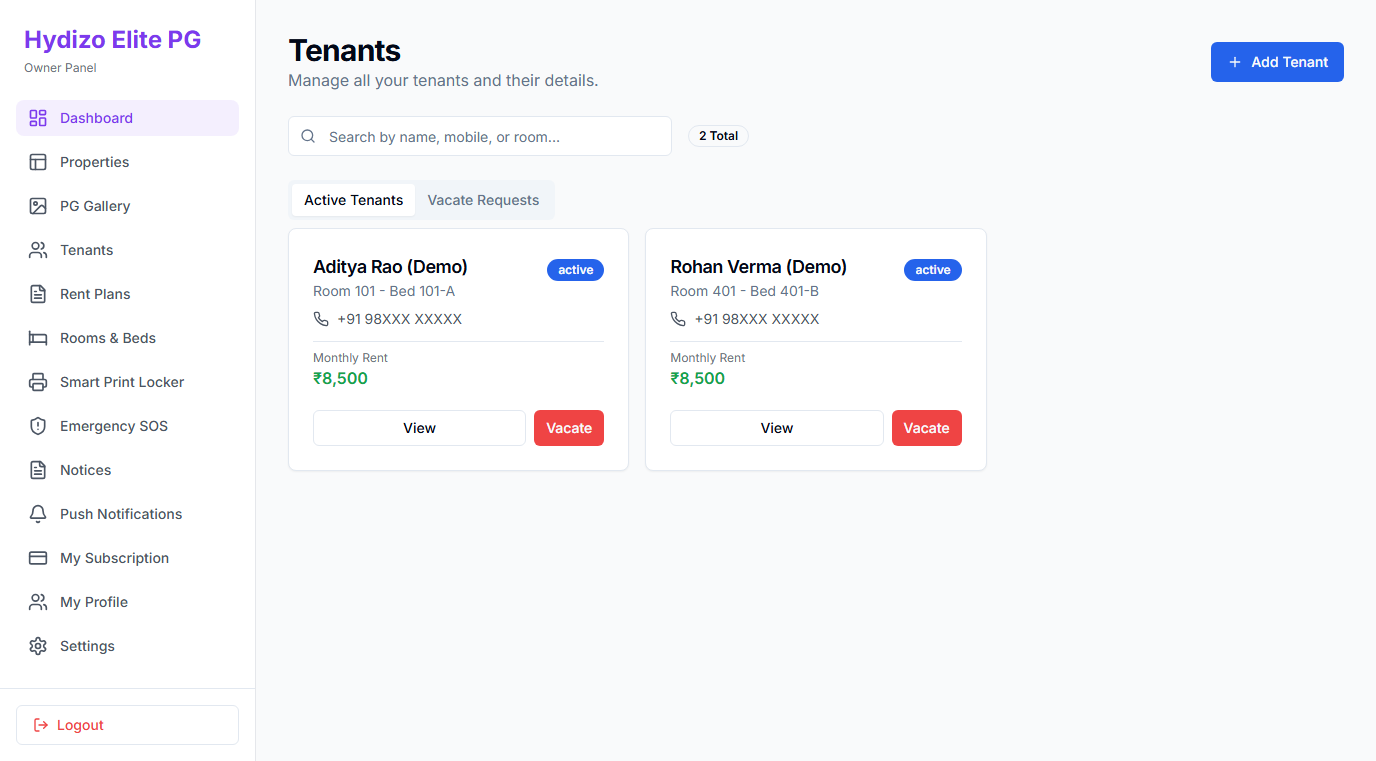
Keep resident records organised so everyday questions are easier to answer. Find the details associated with a resident’s stay without searching through separate registers or message threads.

Know who is staying with you and keep their records in order.

  • Resident profiles: Maintain primary contact details, room assignments, and admission dates.
  • Stay history: Keep track of check-in dates, active stay duration, and planned move-outs.
  • Structured records: Clear view of resident stay status without scattered paper registers.
PGVrix Resident records screen
Resident Records ViewSample Demo Account
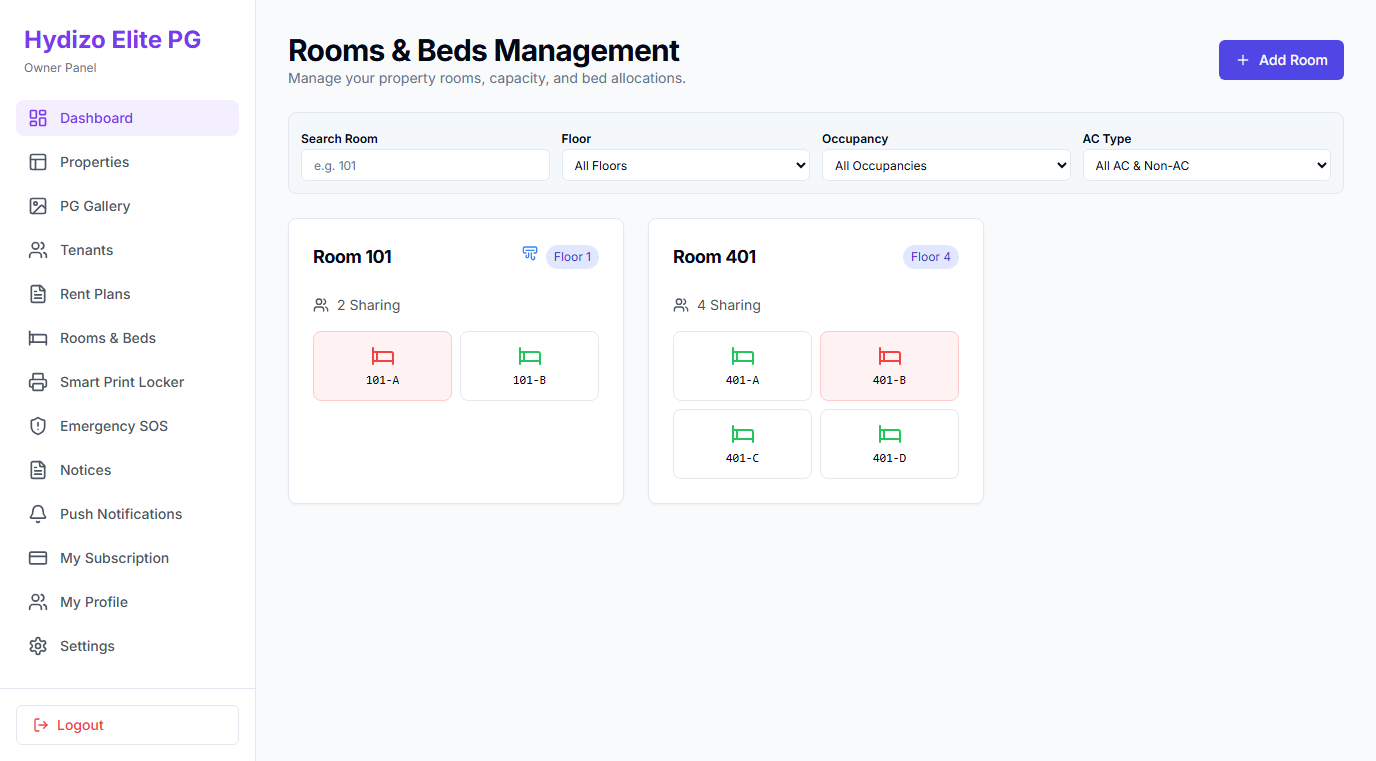
PGVrix Room allocation screen
Room & Bed Allocation ViewSample Demo Account
Module 02

Keep room assignments clear.

Organise room information and resident allocations so you have a clearer picture of who is staying where. Keep allocation records updated as residents join, move, or leave.

A more organised view of your property’s living spaces.

  • Room organisation: Structure floors, rooms, and sharing configurations clearly.
  • Allocation updates: Assign residents to specific rooms and keep track of occupied beds.
  • Move-out handling: Record vacant space when residents complete their stay.
Module 03

Stay on top of rent records.

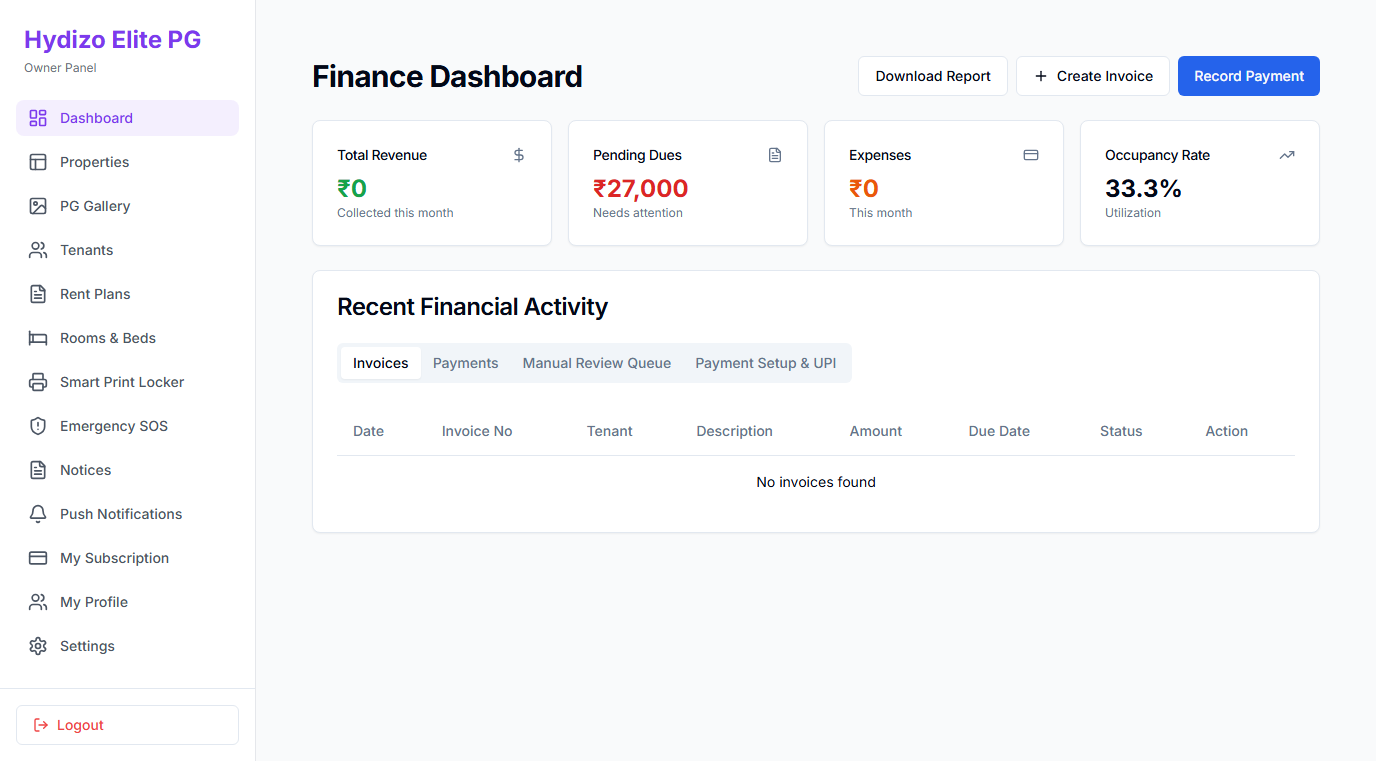
Keep rent-related information and payment records together. Review recorded payments and outstanding amounts so you can follow up with a clearer understanding of each resident’s position.

Less searching through records. More clarity on what needs attention.

  • Payment records: Log and review recorded payment entries with transaction dates and modes.
  • Outstanding balances: Identify which residents have pending balances or completed payments.
  • Informed follow-ups: Reach out for dues with precise rent period context at hand.
PGVrix Payment records screen
Payment & Balance Records ViewSample Demo Account
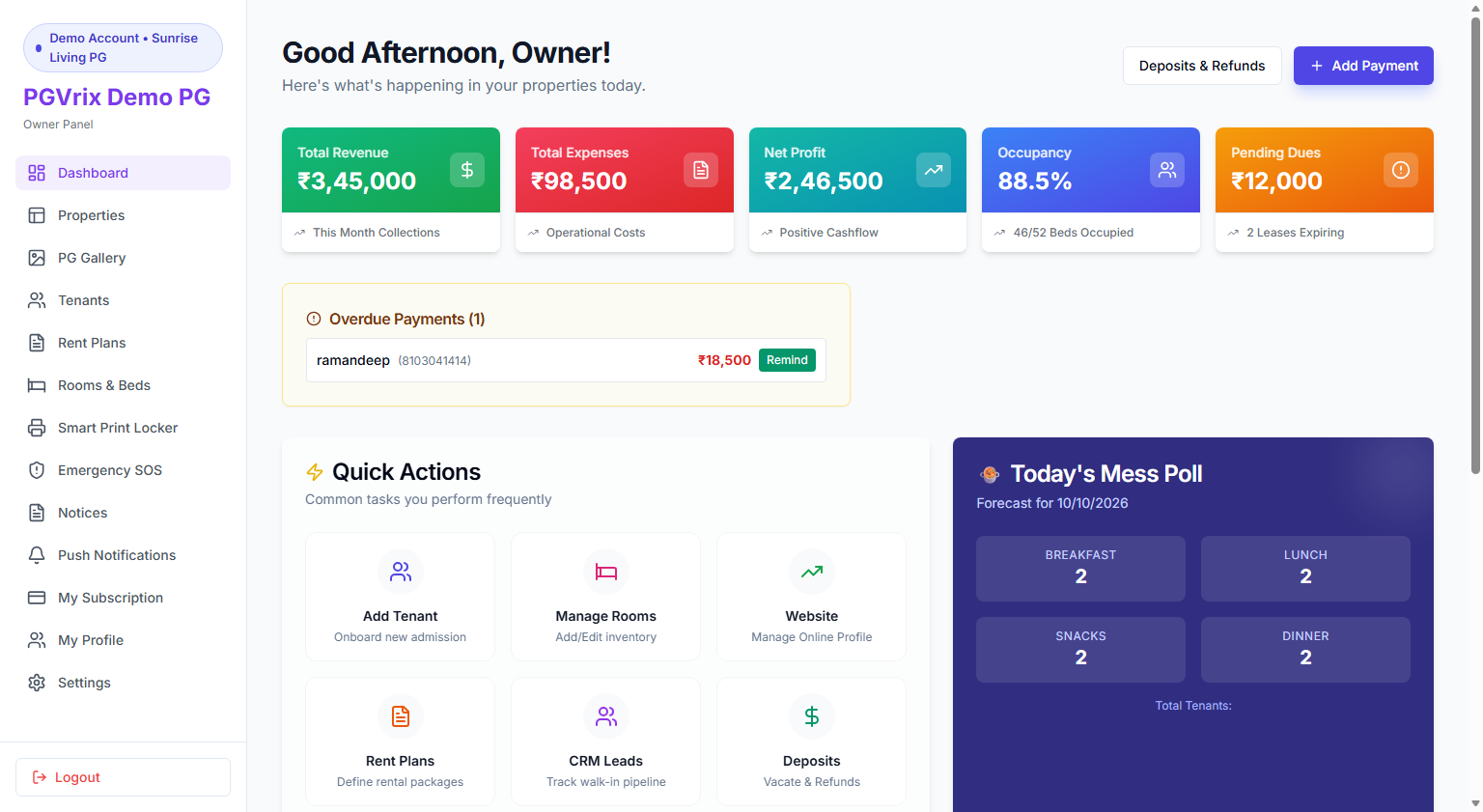
PGVrix Occupancy overview screen
Occupancy & Overview DashboardSample Demo Account
Module 04

Understand your current occupancy.

Keep a clearer view of occupied and available rooms using the information recorded in PGVrix. Use that overview when reviewing allocations and planning your next resident move-in.

Know where your property stands.

  • Capacity view: See total beds, occupied beds, and vacant spaces calculated from your records.
  • Allocation planning: Check available spaces before admitting new residents.
  • Daily clarity: Real operational status without cross-checking manual spreadsheets.
Module 05

Keep maintenance requests visible.

Keep reported maintenance issues in one place so they can be reviewed and followed up as part of your daily operations.

Give every reported issue a place in your workflow.

  • Request logging: Record reported maintenance issues with category and room details.
  • Status tracking: Follow progress across open, in-progress, and resolved statuses.
  • Operational accountability: Ensure repairs and tenant concerns are not lost in chat threads.
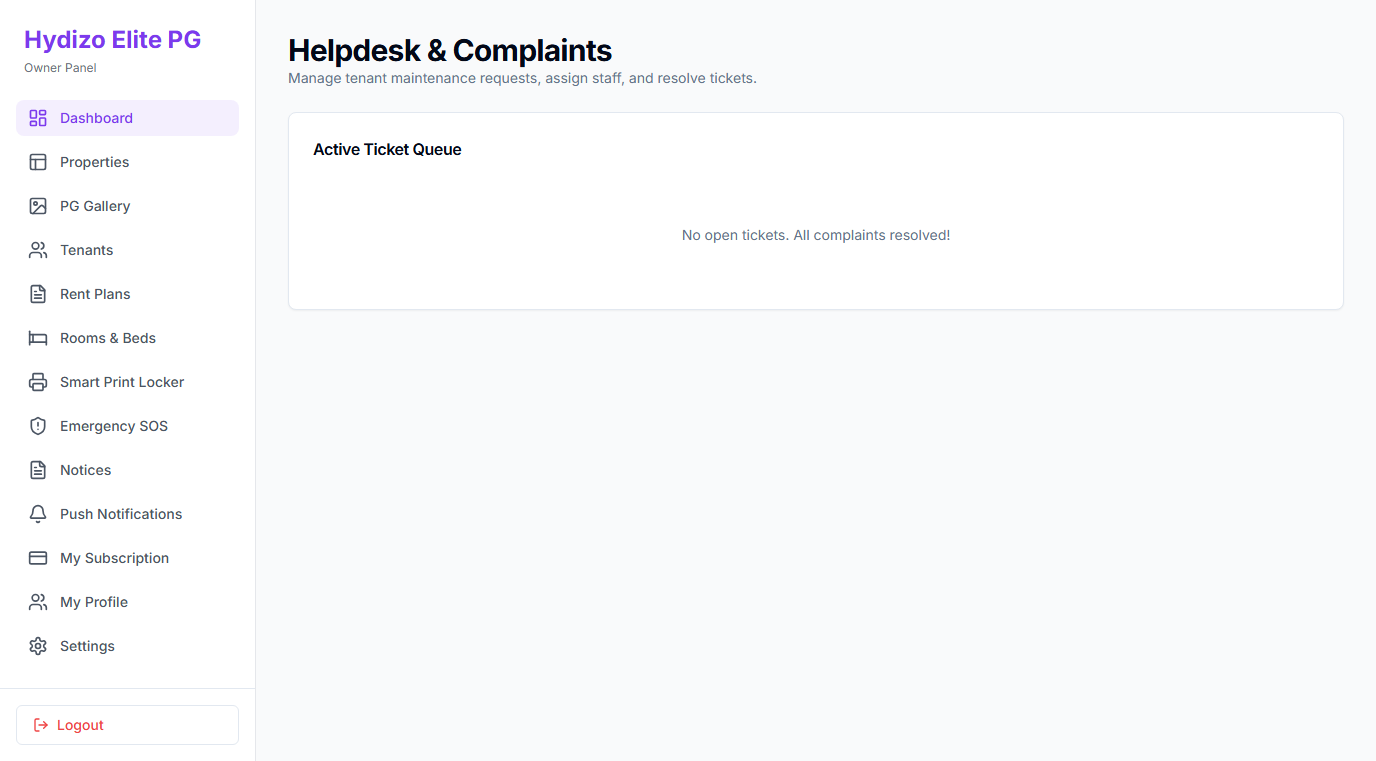
PGVrix Maintenance requests screen
Maintenance Request ListSample Demo Account

See the features that matter to your property.

Request a walkthrough and discuss the workflows you need before choosing a setup.